
Mitos
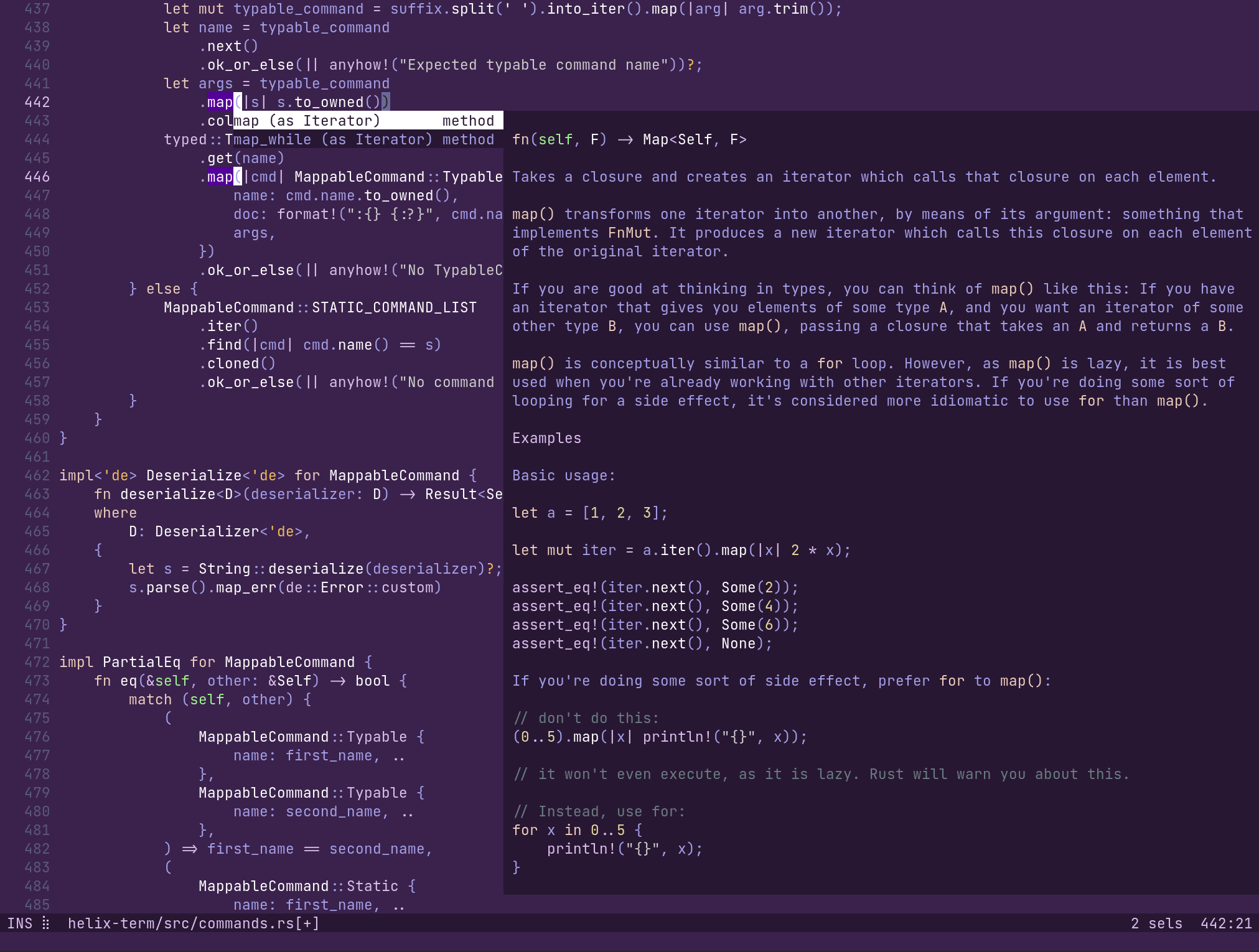
Mitos is a terminal text editor built around selections. Written in Rust and based on Helix, it combines selection-first modal editing with multiple selections, tree-sitter syntax awareness, and built-in language-server support.
Start with the basics · Install Mitos · View the source
ms --tutor
At a glance
| Interface | Terminal |
| Editing model | Selection → action |
| Implementation | Rust + Ratatui |
| License | MPL-2.0 |
What Mitos supports
Editing
- Selection-first modal editing
- Multiple selections as a core operation
- Syntax-aware motions and textobjects
- Registers, macros, search, and surround operations
Code intelligence
- Incremental parsing and highlighting with tree-sitter
- Built-in LSP client for completion and navigation
- Diagnostics, formatting, rename, and code actions
- Debug adapter support
Workflow
- File, buffer, symbol, and diagnostic pickers
- Shell commands and selection pipelines
- Configurable keymaps, themes, and languages
- Workspace trust for project-local configuration
Select first, then act
In Mitos, a cursor is a one-character selection. Motions change or extend that selection, and commands operate on what is selected. The target of an edit is visible before the edit happens.
Multiple selections use the same commands as a single selection. Select every
match, press c, and type once to change all of them:
- Press
xto select a line. - Press
sto select regular-expression matches. - Press
cto change every selection at once.
Learn more in Basics.
Where it fits
Repeated and structural edits
Multiple selections and tree-sitter textobjects make related edits explicit and let one command operate on every target.
Programming with language tools
Use completion, diagnostics, symbol navigation, formatting, and code actions through the built-in LSP client.
Terminal-based workflows
Open files from the shell, pipe selections through commands, and keep editing close to compilers, version control, and other tools.
Start here
- Installation — install a release or build Mitos from source.
- Basics — learn modes, movement, selections, and common commands.
- Keymap — look up default bindings by mode and command.
- Configuration — configure editor behavior, themes, keys, and languages.
- Language servers — set up completion, diagnostics, formatting, and actions.
- Commands — browse typable and static commands.
About Mitos
Mitos is an independent fork of Helix. It retains the upstream Git history and continues Helix’s selection-first editing model while developing as a separate project.
The editor is open source under the Mozilla Public License 2.0. Mitos is not endorsed by or affiliated with the Helix project or its maintainers.